01 / DEFINE
Define the edge.
Keep each side's designation, projection, and dimensions attached to the same substrate.
Define the edges. Position the cuts.
See the material on the finished part.
Follow your Kitchen L through one connected workflow, from its original sides to a documented fabrication assembly.
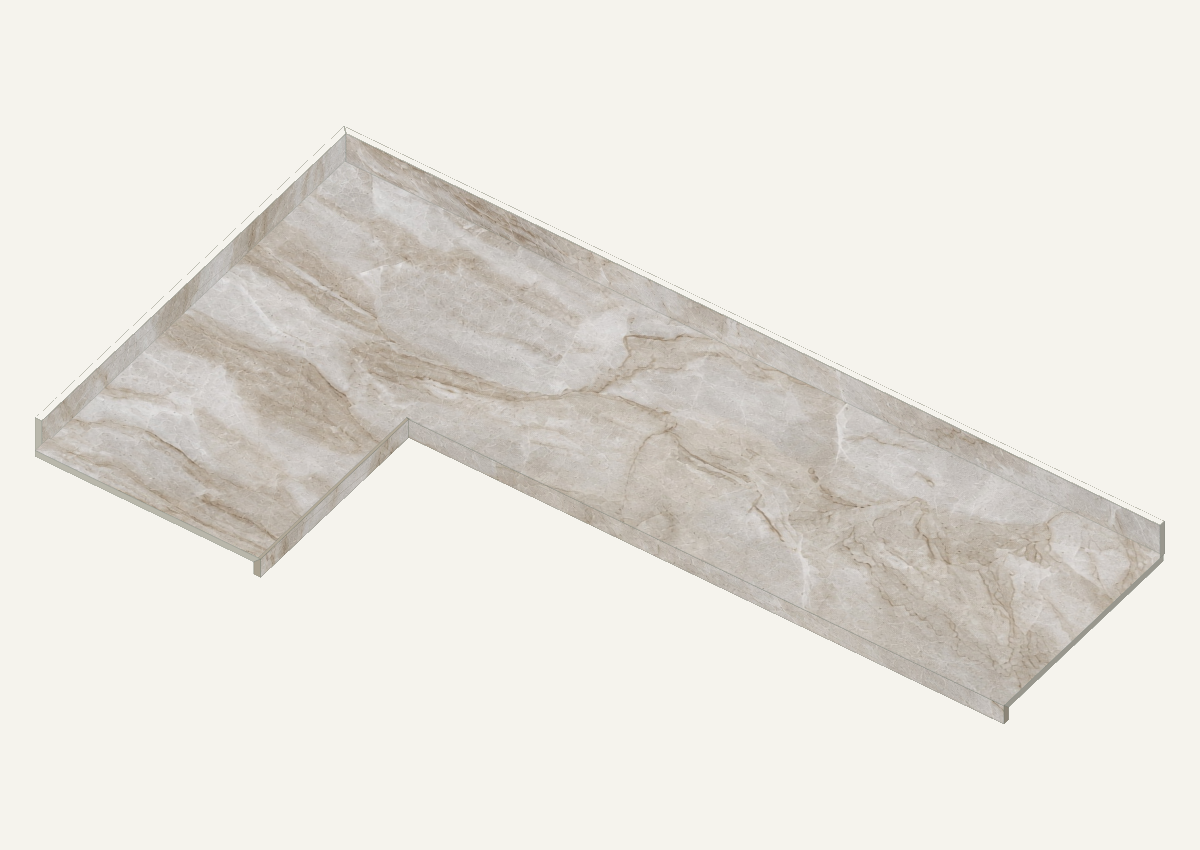
Watch the sequence, or take the controls.
Sample interactions — not a live SketchUp session.
Enhanced slab image for demonstration. Reconstructed areas and vein placement are illustrative, not a calibrated cutting reference. Original model: 127″ × 73″ stock; this sample uses your stated 122″ × 72″ usable area.
Keep each side's designation, projection, and dimensions attached to the same substrate.
Compare the material beneath the cut pieces with the appearance on the assembled part.
Review side spans, related strips, and allocations without confusing finished geometry with cutting blanks.
Review the plan, assembled 3D view, every substrate side, and the actual sample allocation. One coordinated reference set.
View sample drawing set Fixed reference sample — not your temporary Explore changes.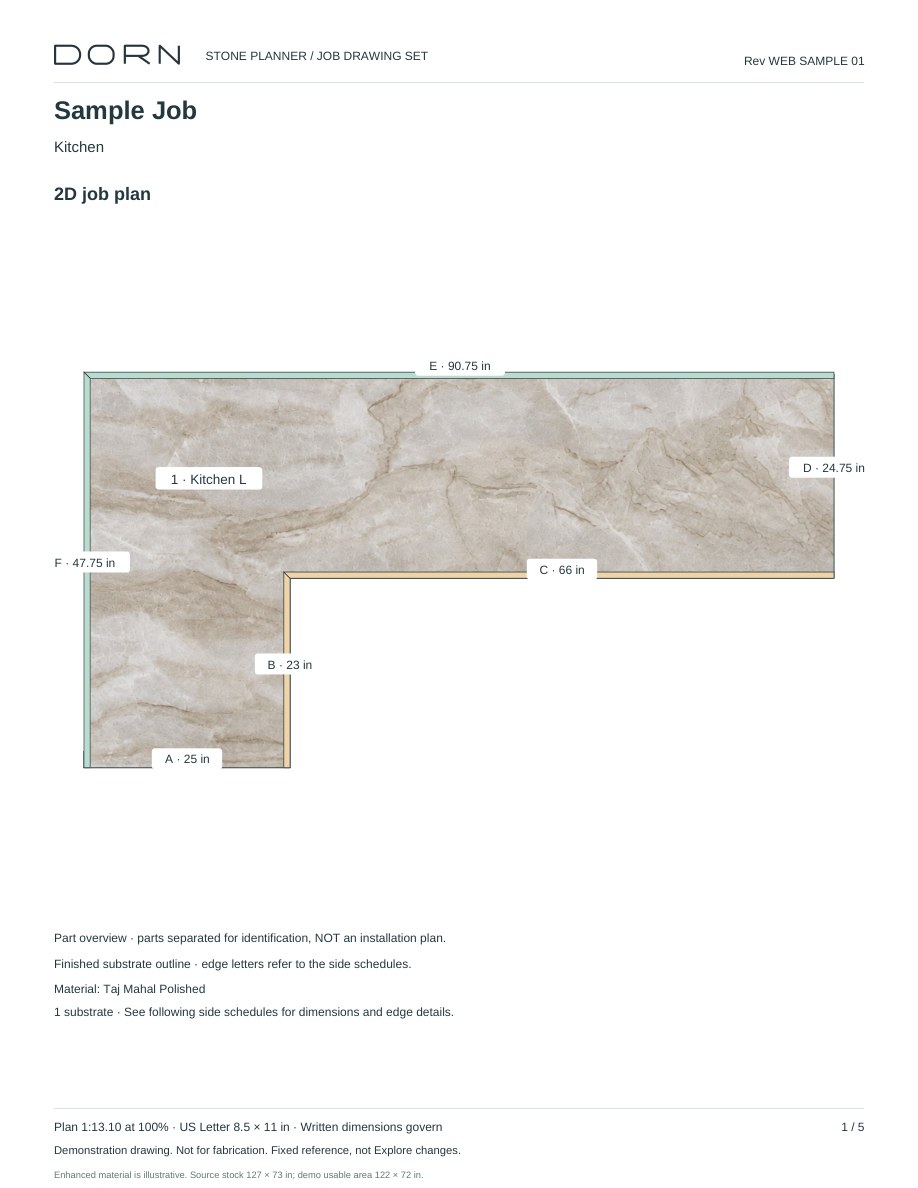
Explore the sample, then contact DORN to discuss the extension and your stone-planning process.